How to check a used smartphone's battery health: expert advice
Buying a used smartphone requires a thorough battery check, as wear and tear directly affects device performance.
 💡Tech
Photo: UNIAN
Key points
- Inspecting physical condition and screws
- Analyzing component data via system settings
- Risks of using non-original batteries
The importance of pre-purchase diagnostics
Purchasing a used smartphone is a popular way to save money, but it comes with certain risks. The battery is often the most vulnerable component of a pre-owned device, and its condition is something sellers may attempt to hide. Experts emphasize that before transferring any funds, it is crucial not to rely solely on the physical appearance of the device or basic button tests.
What to look for during inspection
Initial diagnostics should begin with a physical inspection. Uneven gaps between the display and the frame or screwdriver marks on the screws may indicate unauthorized repairs and the replacement of original parts with cheap alternatives. Such components often lead to rapid battery drain, overheating, or sudden device shutdowns during operation.
For a more detailed check, use the device's built-in software tools. For instance, in modern iPhones, the 'Parts and Service History' section allows users to see if components have been replaced and whether the parts are genuine. Similar diagnostic systems are available in Samsung and Google Pixel smartphones.
Source UNIAN — unian.ua/techno/gadgets/yak-pereviriti-akumulyator-u-vzhivanomu-tel… ↗
Read next
 🛡️Security
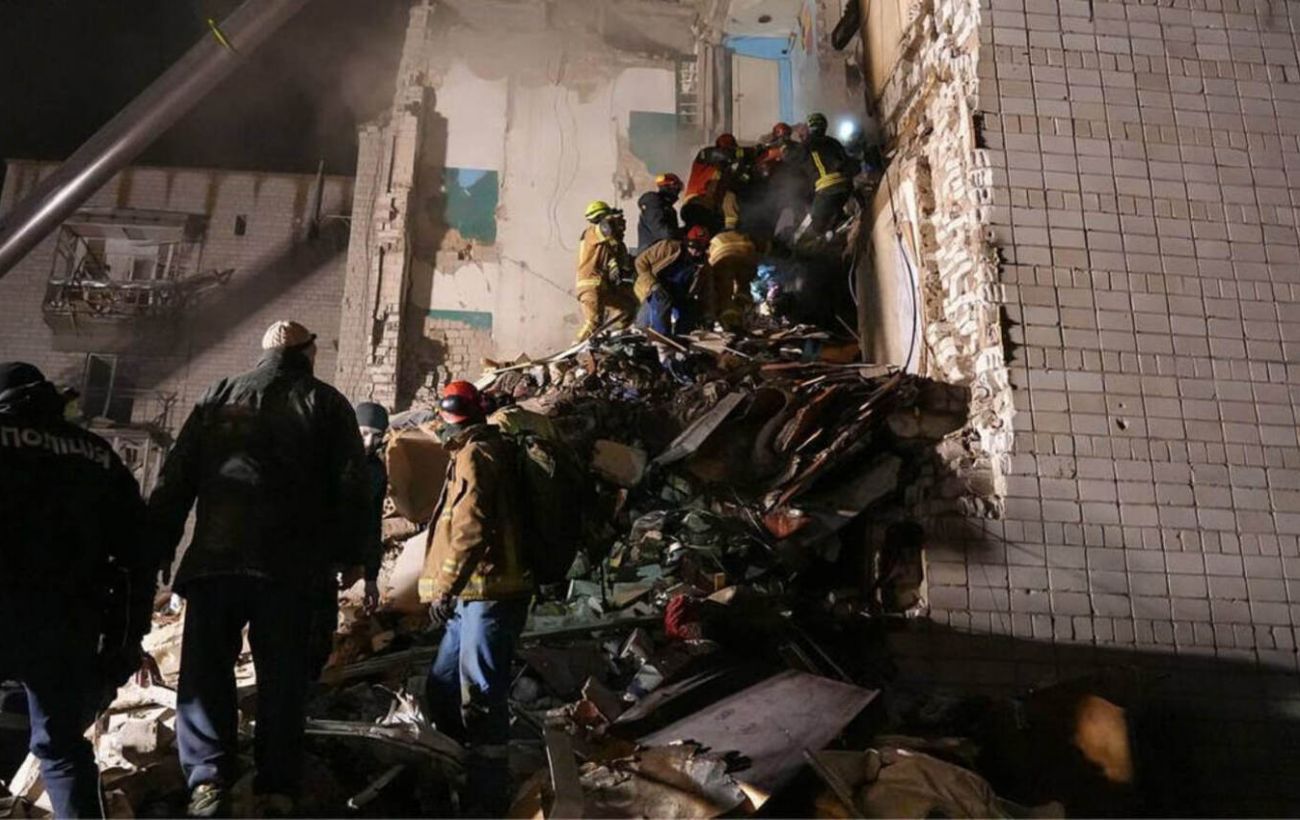
Tragedy in Dymer: Death toll from Russian drone strike rises to six
Emergency services are continuing to clear rubble from a five-story building in Dymer, where six people have been confirmed dead following a drone strike.
 🇺🇦Ukraine
British Minister Hamish Falconer harshly criticizes Putin and Trump's stance
UK Minister Hamish Falconer called the Russian leader a 'butcher' and condemned attempts to justify friendly relations with the Kremlin.
 🚨Events
Shooting in Kharkiv: Police launch special operation
Law enforcement in Kharkiv are investigating the murder of a man found at the scene of a shooting. A special police operation is currently underway.
 🏛️Politics
US Considers Security Guarantees for Ukraine Modeled After NATO
The US administration is initiating talks on a new European security architecture that may include security guarantees for Ukraine similar to NATO's Article 5.
 ⚽Sport
Goal-fest in Bergamo: Atalanta and Inter share the spoils
Atalanta and Inter drew 4-4 in a thrilling Serie A match, despite Francesco Esposito's hat-trick for the visitors.
 🎭Culture & Sport
November 30: Commemorative dates, professional holidays, and thematic events
The last day of autumn is filled with various events, ranging from religious holidays and honoring the military to international initiatives in cybersecurity.