GTA 6 on Base PS5: How to Fix Performance Issues and Improve Settings
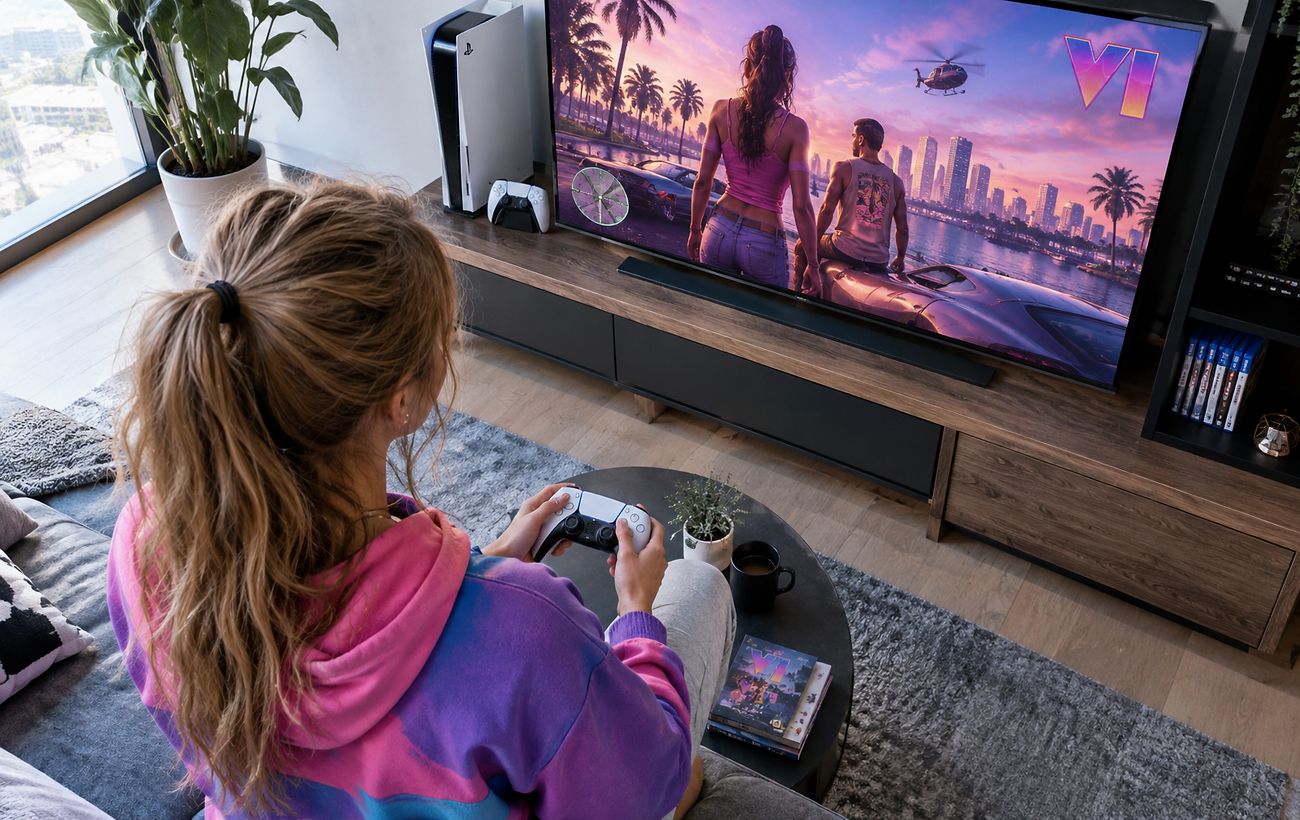
The release of major gaming titles often brings technical challenges on standard consoles, but players can apply specific tweaks to enhance stability.
 💡Tech
Photo: RBC-Ukraine
Key points
- Frame drops and blurring reported on base PS5 during GTA 6
- Clearing system cache and disabling HDCP improves stability
- Adjusting motion blur and HDR settings enhances visual clarity
Effective Technical Steps for Better Performance
While standard hardware cannot entirely match the performance of upgraded systems like the PS5 Pro, users can utilize specific workarounds to smooth out gameplay. Clearing the system cache and rebuilding the database through the console's safe mode is widely recommended by technical communities. Additionally, disabling the HDCP setting within the HDMI system menu can help mitigate minor system hiccups during extended sessions.
To address visual clarity issues arising from the lack of advanced hardware upscaling on the base model, players should adjust in-game display configurations. Fine-tuning the motion blur intensity slider and properly calibrating HDR settings through both the console menu and the game interface will significantly sharpen the visual presentation. Ensuring that the connected display is operating in a dedicated game mode will further reduce input lag and enhance the overall experience.
Source RBC-Ukraine — rbc.ua/ukr/news/gta-6-ps5-mozhe-pratsyuvati-krashche-ki-nalashtuvan… ↗
Read next
 🩺Health
Healthy Eating: 5 Affordable Foods Rich in Both Protein and Fiber
Nutrition experts have compiled a list of common foods that simultaneously provide both essential protein and dietary fiber.
 🎓Education
The Illusion of Safety: Why Overconfidence Online Leaves Kolomyia Residents Vulnerable to Scammers
Modern internet scammers actively leverage artificial intelligence and social engineering. Meanwhile, many Ukrainians overestimate their digital literacy and neglect basi…
 🛡️Security
German Defense Minister Comments on Potential Talks with Moscow and European Conditions
Boris Pistorius addressed the invitation for European leaders to visit Moscow, emphasizing the need for genuine steps toward peace.
 🎭Culture & Sport
Unusual European Winter Locations: Where to Find Cave and Mountain Christmas Markets
International travel experts have highlighted the most original winter destinations in Europe, featuring underground markets in the Netherlands and alpine festive locatio…
 🎭Culture & Sport
Ukrainian singer KOLA releases new studio album 'Диван рожевого кольору'
Popular Ukrainian artist drops a 14-track record exploring the transformation of romantic relationships over time.
 👥Society
Weather Change This Weekend: Forecasters Predict Cooling Across Ukraine
Following a relatively warm week, Ukraine is set to experience a sharp change in weather and lower temperatures over the weekend.